
UR Cache Cleaner
VS Code Extension
Clear Cache Without Leaving VS Code
A simple, efficient VS Code extension that adds one-click cache clearing for your Drupal and CiviCRM projects. Works with both local VS Code and web-based code-server environments.
Get the extension:
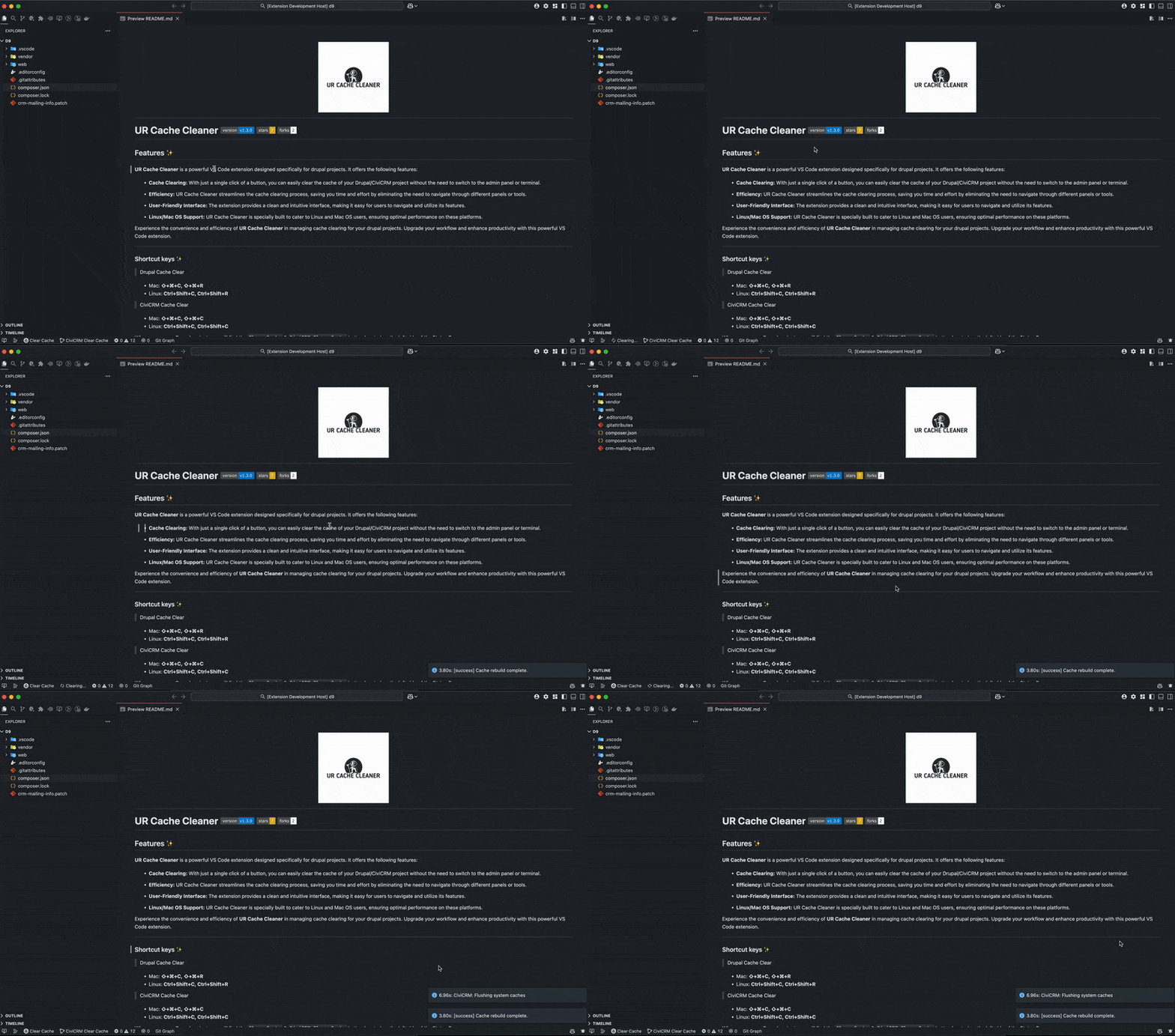
Features
Everything you need for efficient cache clearing
One-Click Cache Clearing
Clear Drupal and CiviCRM cache instantly from the VS Code status bar.
Save Time
No more switching to terminal or admin panel. Stay in your editor.
Keyboard Shortcuts
Lightning-fast cache clearing with customizable keyboard shortcuts.
Local & Remote
Works with VS Code desktop and web-based code-server environments.
Multiple Platforms
Compatible with DDEV, Lando, and plain setup environments.
Linux & macOS
Built specifically for Linux and macOS development environments.
Keyboard Shortcuts
Clear cache without touching your mouse
Installation
Get started in just a few minutes
Install Dependencies
Install Drush and CV CLI tools in your project:
Install the Extension
Install from marketplace or via command:
Start Using It
Open your Drupal project in VS Code. You'll see the cache buttons in the status bar at the bottom-left.
Platform Support
Works with DDEV, Lando, and plain setups
Optimized for Linux and macOS environments
Note: Windows is not currently supported